

Why Smart Openers Matter for Portland Homes
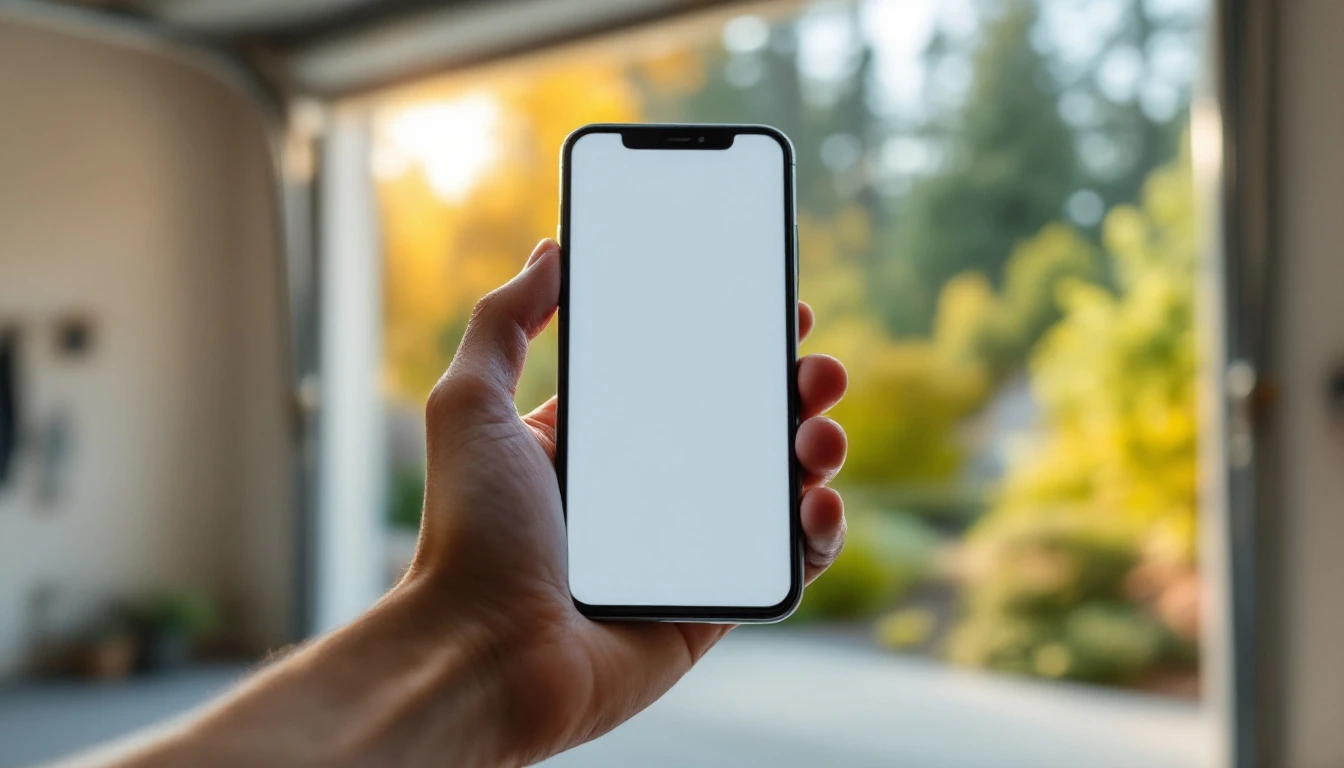
Upgrading to a WiFi-enabled smart garage door opener gives you complete control over your garage without the expense of replacing the entire door. This incremental upgrade transforms your existing setup into a connected system you can manage from anywhere using your smartphone.
Portland metro residents benefit from real-time alerts that notify you when your garage door opens or closes unexpectedly—perfect for those rainy commutes when you can’t remember if you closed the door before leaving. You’ll receive instant notifications if someone accesses your garage, adding a layer of security that traditional openers simply can’t match.
Smart openers integrate with home automation platforms like Alexa, Google Home, and Apple HomeKit, letting you control your garage with voice commands or include it in automated routines. Need to let a repair technician in while you’re at work? Create a temporary access code that expires after a set time, eliminating the need to hand out keys or rush home to grant access.
This practical upgrade requires no major renovation—just replacing the opener itself. You keep your existing garage door, tracks, and hardware while gaining modern convenience and enhanced security features.
Compatibility Check: Your Current Setup
Will a smart garage door opener work with what you already have? The answer for most Portland homeowners is yes. If your garage door was installed after 2000, you can typically upgrade to a WiFi-enabled opener without touching the door itself. Only the opener mechanism—the motorized unit mounted to your ceiling—needs replacement.
Start by identifying your current opener type. Do you have a chain drive, belt drive, or screw drive system? Check the rail running from the motor to the door. Chain drives have a visible metal chain. Belt drives use a rubber belt, and screw drives feature a threaded steel rod. Most smart openers work with all three types, but confirming yours helps narrow your product options.
Next, assess your door’s condition. How old is it? Does it open and close smoothly, or does it stick and strain? What’s the approximate weight? A heavy wooden door or one with mechanical issues may need repairs before you add smart technology. The opener can only perform as well as the door it operates.
Finally, test your WiFi coverage in the garage. Download a free WiFi analyzer app on your smartphone and walk into your garage. Does your home router’s signal reach the space where your opener sits? Smart openers need consistent connectivity to send alerts and respond to remote commands. If the signal is weak, you may need a WiFi extender before installation.

Key Features to Compare
What should you look for when comparing WiFi-enabled garage door openers? Start by evaluating app functionality and ecosystem compatibility. Major brands like Chamberlain MyQ, LiftMaster, and Genie Aladdin Connect offer different strengths: MyQ excels at third-party integrations with Alexa and Google Home, while LiftMaster focuses on security protocols and commercial-grade reliability. Genie systems often appeal to budget-conscious buyers seeking basic smart features without subscription fees.
- WiFi stability matters in Portland’s hilly terrain and rain-heavy climate. Look for models with dual-band WiFi support and strong signal reception—your garage may be far from your router or separated by concrete walls. Test your WiFi signal strength in the garage before purchasing to avoid connectivity headaches.
- Battery backup is another critical consideration. Power outages during winter storms can leave you locked out unless your opener includes backup power. Premium models offer built-in batteries, while budget options may require separate battery accessories.
- Installation complexity varies widely. Some units work with existing rail systems and can be installed in under an hour with basic tools, while others demand professional setup for proper sensor calibration and safety feature testing. Professional installation typically adds cost but guarantees warranty protection.
- Finally, consider pricing beyond the upfront cost. Budget models start around the price of a standard opener, while premium units cost more and may require monthly or annual cloud subscription fees for advanced features like video integration and extended activity history.
WiFi Connection and Network Setup
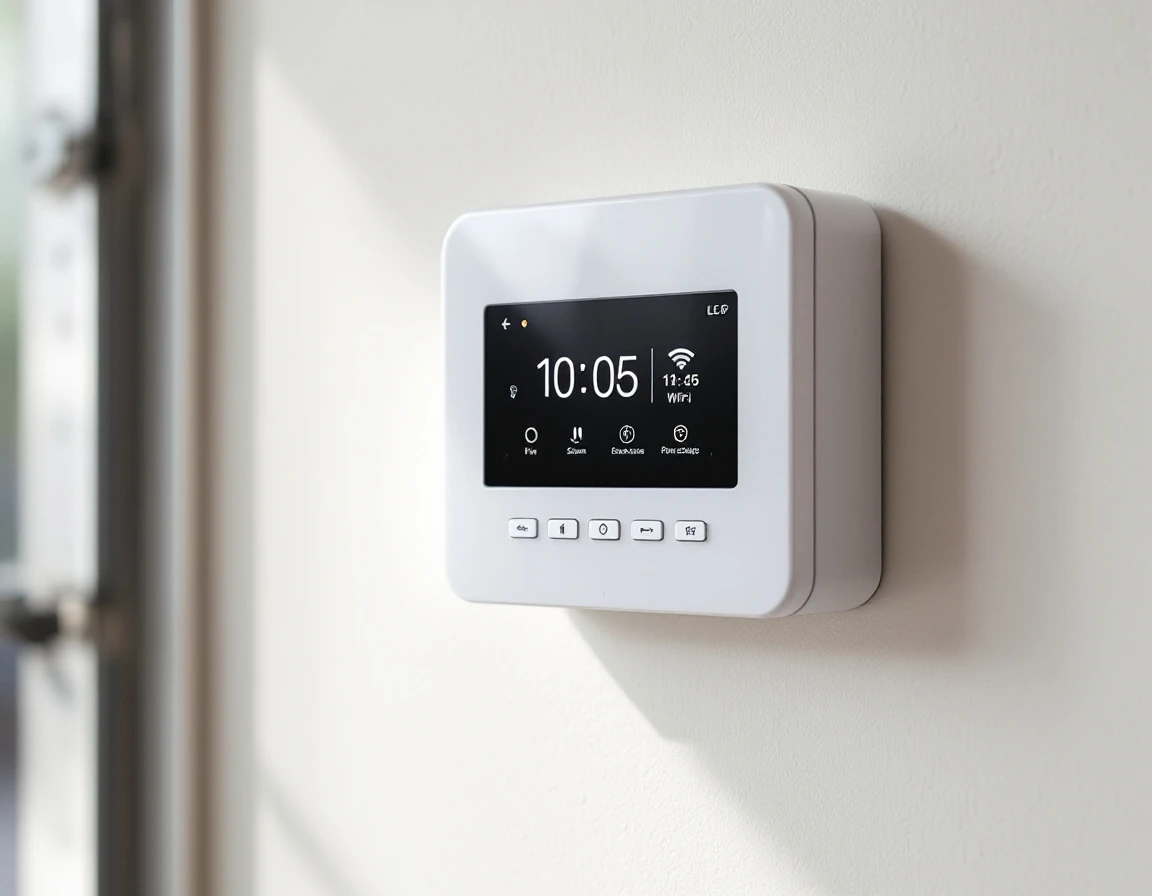
Before mounting your smart garage door opener with smartphone control, you’ll need a solid WiFi connection in your garage. This often means testing from the actual installation spot, not just assuming your network reaches that far. Grab your smartphone, head out to the garage, and check your signal strength—spotty bars or frequent disconnects now will mean frustration once your opener is installed.
Most smart garage door openers work best on 2.4 GHz WiFi networks rather than 5 GHz bands. Why does this matter? The 2.4 GHz frequency travels farther and penetrates walls, floors, and obstacles more effectively than 5 GHz signals. For Portland-area homes with detached garages or those where the garage sits at the opposite end of the house from the router, this difference becomes critical. A 5 GHz connection might look strong in your kitchen but fail to reach your garage reliably.
If your smartphone shows weak signal in the garage, you have several options. Repositioning your router closer to an exterior wall facing the garage can help. Adding a mesh network node or WiFi extender halfway between your router and garage creates a reliable bridge. Test your connection after any changes to confirm stability.
Don’t overlook security. Your garage door opener connects to your home network, which means a strong, unique WiFi password protects against unauthorized access. Update default router passwords and enable WPA3 encryption if your router supports it.
Installation and App Configuration
Before starting installation, power off the circuit breaker controlling your garage to prevent electrical injury. Most WiFi smart openers replace only the motor unit—your existing door, tracks, and springs remain in place. If you’re comfortable working with basic electrical connections, follow the manufacturer’s wiring diagram closely, paying careful attention to terminal labels.
After disconnecting your old opener, mount the new unit according to the instructions. Connect the wiring carefully—incorrect terminal connections can prevent operation or damage components. Before restoring power, test the manual override release and check door balance by lifting it halfway; it should stay in place without drifting. This confirms your springs are properly adjusted for the new opener’s weight.
Once mechanical operation is verified, restore power and complete the WiFi setup through the manufacturer’s smartphone app. If your door is older, has wooden construction, or if you’re uncomfortable with electrical work, professional installation is the safer choice. Garage Harmony can handle the entire installation process. Keeping everything works correctly from the start.
Smartphone App Setup and Automation
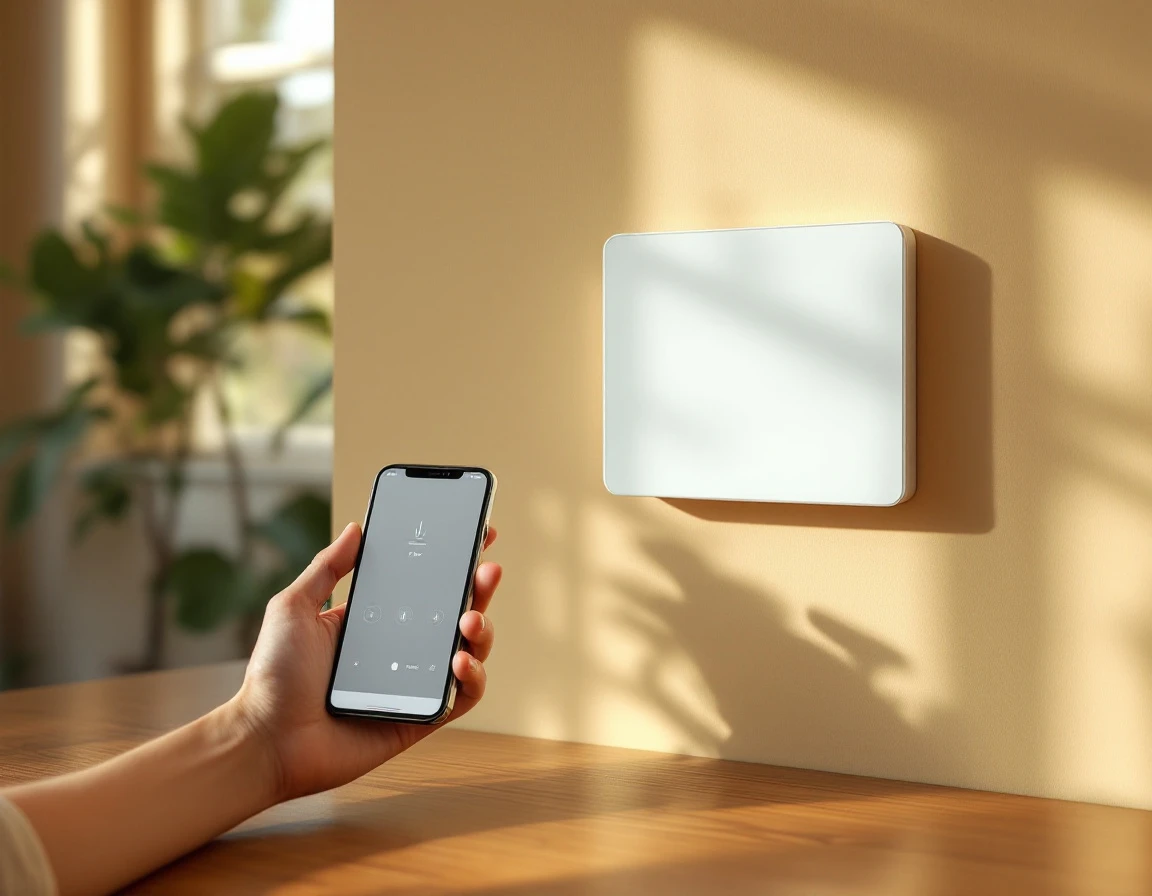
Once your opener is physically installed, it’s time to bring it online. Download the manufacturer’s app from the App Store or Google Play, then follow the in-app prompts to connect your remote garage door opener app to your WiFi network. Double-check your network credentials—entering the wrong password is the most common reason setup fails. Most apps will scan for your opener automatically once both devices are on the same network.
Next, create user accounts for household members. Many apps let you assign different permission levels: full access for family, temporary codes for house sitters, or scheduled access windows for dog walkers. This granular control transforms your garage from a single shared entry point into a managed access system with built-in accountability.
Ready to add voice control? If your opener supports smart home integration, link it to Alexa, Google Assistant, or Apple HomeKit through each platform’s respective app. Test remote operation first from inside your home, then try accessing it from a coffee shop or your workplace to confirm it responds over cellular data, not just your home WiFi.
Can’t get the app to find your opener? Revisit your WiFi network setup—especially signal strength in the garage—and confirm you’re connecting to the 2.4 GHz band, not 5 GHz.
Security and Maintenance Moving Forward
Your smart garage door opener isn’t a one-time install and forget upgrade. Like any connected device, it needs periodic attention to remain secure and reliable over the years ahead.
- Check for firmware updates regularly through your opener’s app. Many systems download updates automatically, but some require manual approval. These updates patch security vulnerabilities and improve functionality, so don’t skip them when notifications arrive.
- Review who has access to your garage every few months. Revoke temporary codes you created for contractors or guests after their job is complete. Check your access logs for any unusual activity—most apps provide a history showing when the door opened and which user triggered it.
- If your opener includes battery backup, test it quarterly by unplugging the unit during a non-critical time. This confirms the backup will work during Portland’s occasional winter power outages.
- Monitor your app notifications for alerts about mechanical issues or access attempts that seem out of place. If your WiFi signal weakens or you encounter repeated connectivity problems, contact the Garage Harmony service team. We can help troubleshoot network issues or schedule a maintenance visit to keep your smart system running smoothly.




Leave A Comment